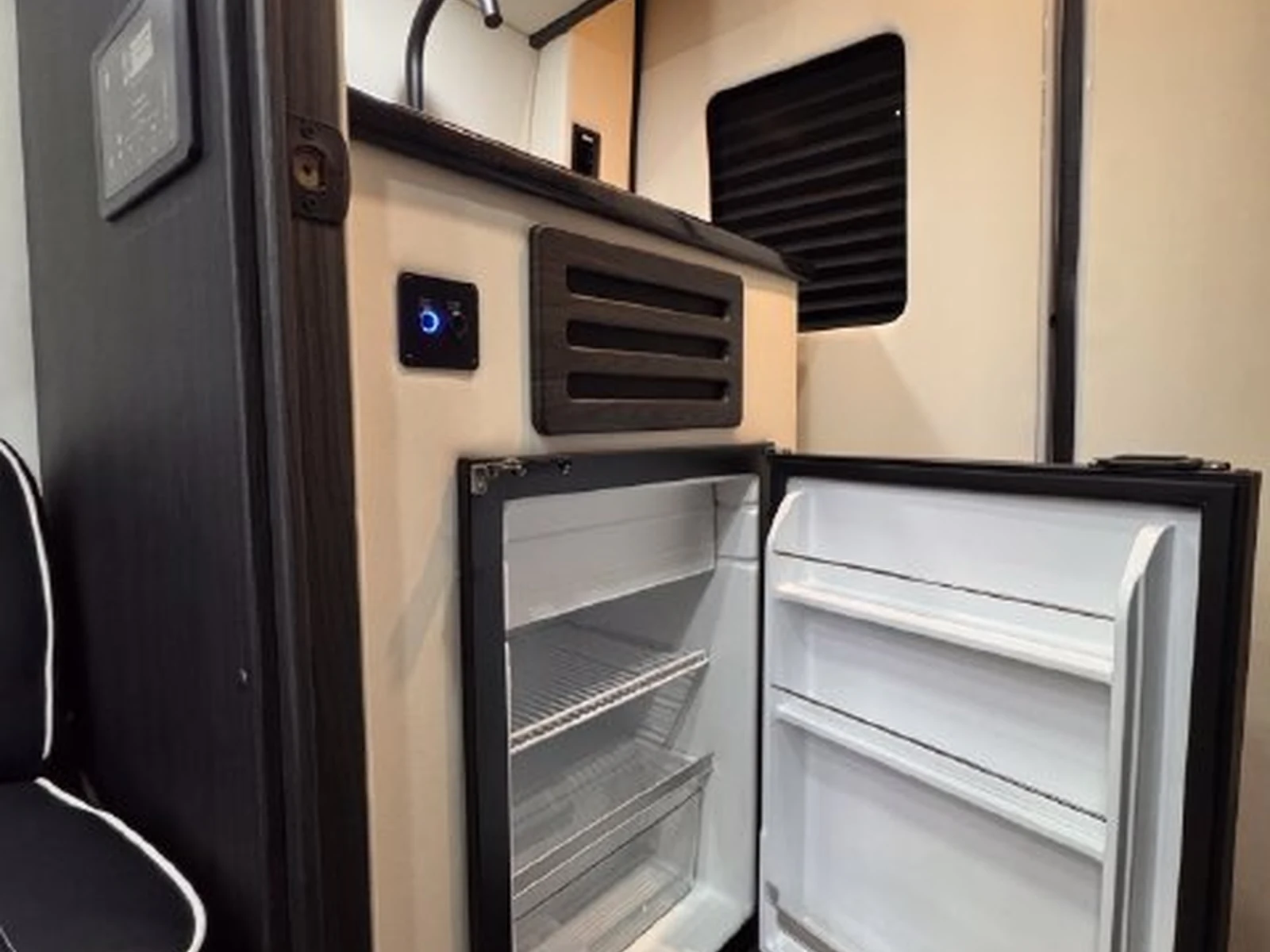
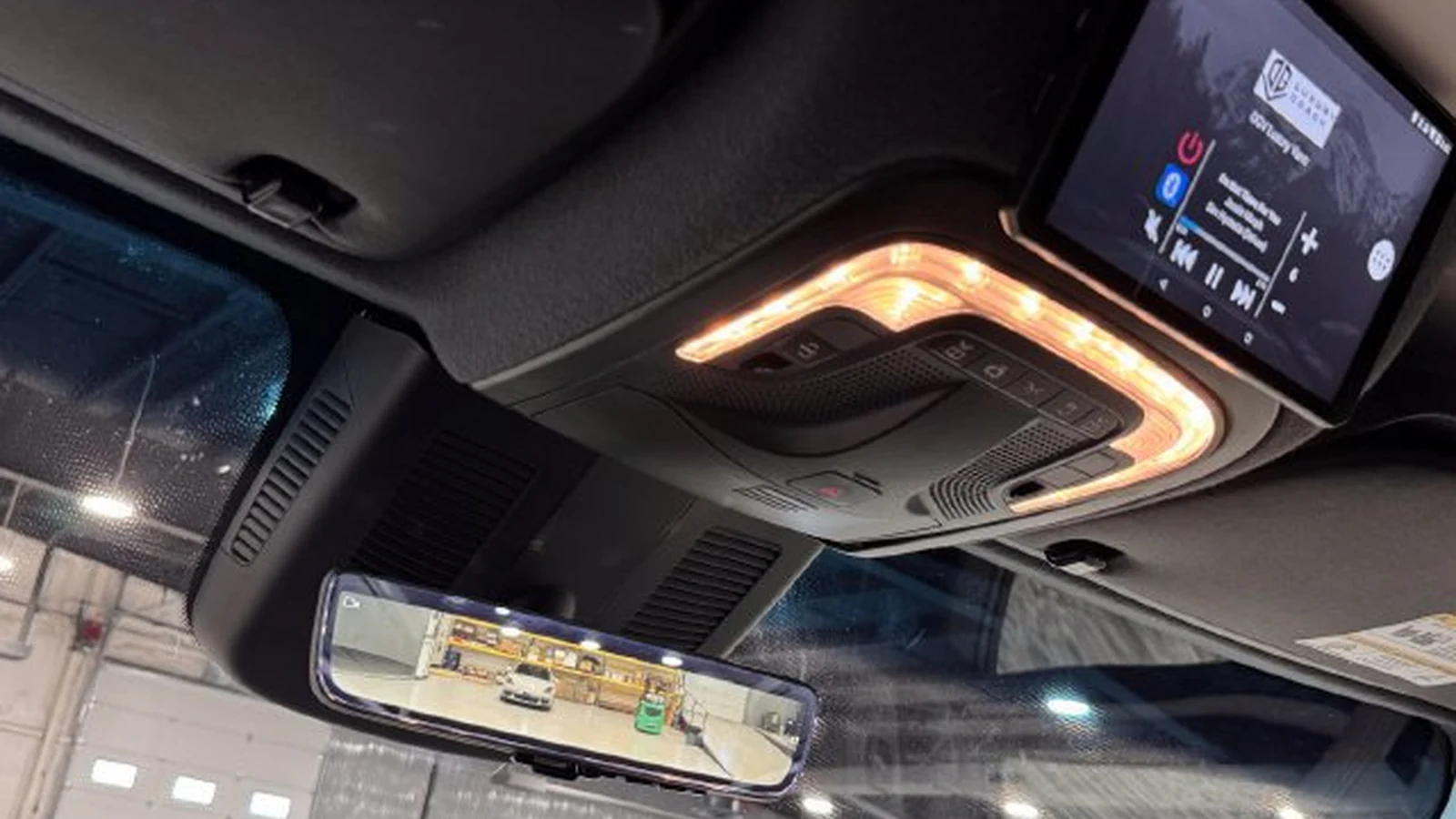
Photo: An overhead screen and lighting in a Dufourfun inventory van. This illustrative photo does not identify a router, satellite dish or active internet plan.
A family streaming on tablets, an executive joining a call and a host sharing a presentation have different connection needs. Before buying a luxury van, connect your own devices inside the parked cabin and try the tasks you expect to do. A successful demonstration is more useful than a Wi-Fi logo on a feature list.
Start by separating what creates the cabin network from what connects that network to the internet. Then identify which parts are actually included in the sale.
A router is hardware; service is a separate question
A cellular hotspot or router needs a compatible mobile service arrangement. Antennas, their mounting and the installed equipment's supported networks are separate checks. Ask for model numbers and account requirements rather than assuming your phone's plan transfers to a dedicated router.
For planning, the FCC's explanation of the National Broadband Map says mobile coverage is generated with propagation modeling. It describes outdoor or moving-vehicle connections, not indoor availability, and warns that actual experience varies with devices, cell-site capacity and terrain. A coverage color is not proof of the performance passengers will receive inside this van.
Use the FCC's map instructions to select the Mobile Broadband view and compare providers along your real routes. The default fixed-broadband view describes a different kind of service. Use the result to choose questions and test locations, not to promise a uninterrupted working day.
Starlink prewire is not a complete satellite system
A prewire claim alone does not include a dish, router, suitable mounting, active subscription or guaranteed service. Ask the seller what wiring and connection points are present, which compatible kit is intended, and what additional equipment or installation would be needed.
Starlink's current Roam page describes travel plans and available hardware. Those are provider claims checked for this article, subject to change, including speeds, plans, geographic availability and usage terms. Confirm current terms for the exact hardware and intended parked or in-motion use instead of adopting a marketing headline as a performance guarantee.
Have the seller demonstrate the proposed mounting and review obstructions at the places you expect to stop. Ask for the manufacturer's setup requirements and safe cable routing. Trees, structures and the actual installation deserve attention before making satellite service part of your work routine.
An option page does not prove an installed option
Midwest Automotive Designs' construction page says available features may include wireless internet options and Starlink satellite system availability. That is an example of manufacturer offerings, not proof that every Midwest van, or any particular used listing, contains a complete system. Match the description to the actual equipment and build documentation.
A compact pre-purchase connection test
Ask the seller to operate the system in its intended configuration. These checks are practical questions, not a request to overload the electrical installation.
| Check | What to try or request | What it tells you |
|---|---|---|
| Installed equipment | Router/hotspot model, antenna locations, satellite kit or prewire details | Whether the advertised setup is complete or still needs hardware |
| Active service | Provider, compatible plan, account ownership and transfer requirements | Whether service is included, transferable or a separate purchase |
| Parked cabin | Connect at the passenger positions with doors in their normal travel configuration | Whether your devices can use the network where people actually sit |
| Realistic load | Run a video call alongside the family's normal streaming or uploads | Whether your expected simultaneous tasks work in this location |
| Power | Demonstrate engine-off operation; request device power draw and system documentation | What powers connectivity and what may limit parked use |
| Failover | If advertised, ask the seller to demonstrate switching between connections | Whether backup is automatic, manual or not installed |
Test twice, then decide
Begin with one laptop or phone in the parked van. Check connection stability, a real call and a representative upload, not just a peak speed-test number. Repeat with the number of devices and applications your household or team normally uses, within the equipment's instructions.
Write down the location, provider and setup used. A successful test at the seller's lot proves only that demonstration, not every route, campsite or city. If remote work matters to the purchase, ask about a demonstration in a representative permitted location before committing.
Convenience has an operating cost
Cellular can be simple where your provider performs well, but a second SIM or plan adds another bill. Satellite may suit different destinations, but it brings hardware, positioning and service questions. A combined setup adds flexibility only if the installed router supports it and the switching behavior is explained.
Ask how long the connectivity equipment can run with the other cabin loads you intend to use. Power draw, available battery energy and the chosen operating mode all matter; a wiring provision does not establish runtime. The best system is the one you understand and can use comfortably, not necessarily the one with the longest option list.
Supporting photo below: A cabin television from Dufourfun inventory photography. It illustrates a passenger device use case, not installed internet hardware or a service guarantee.
Find the van for your next chapter
View Vans for Sale to compare current inventory. For a layout shaped around your own travel routine, Build Your Custom Van.