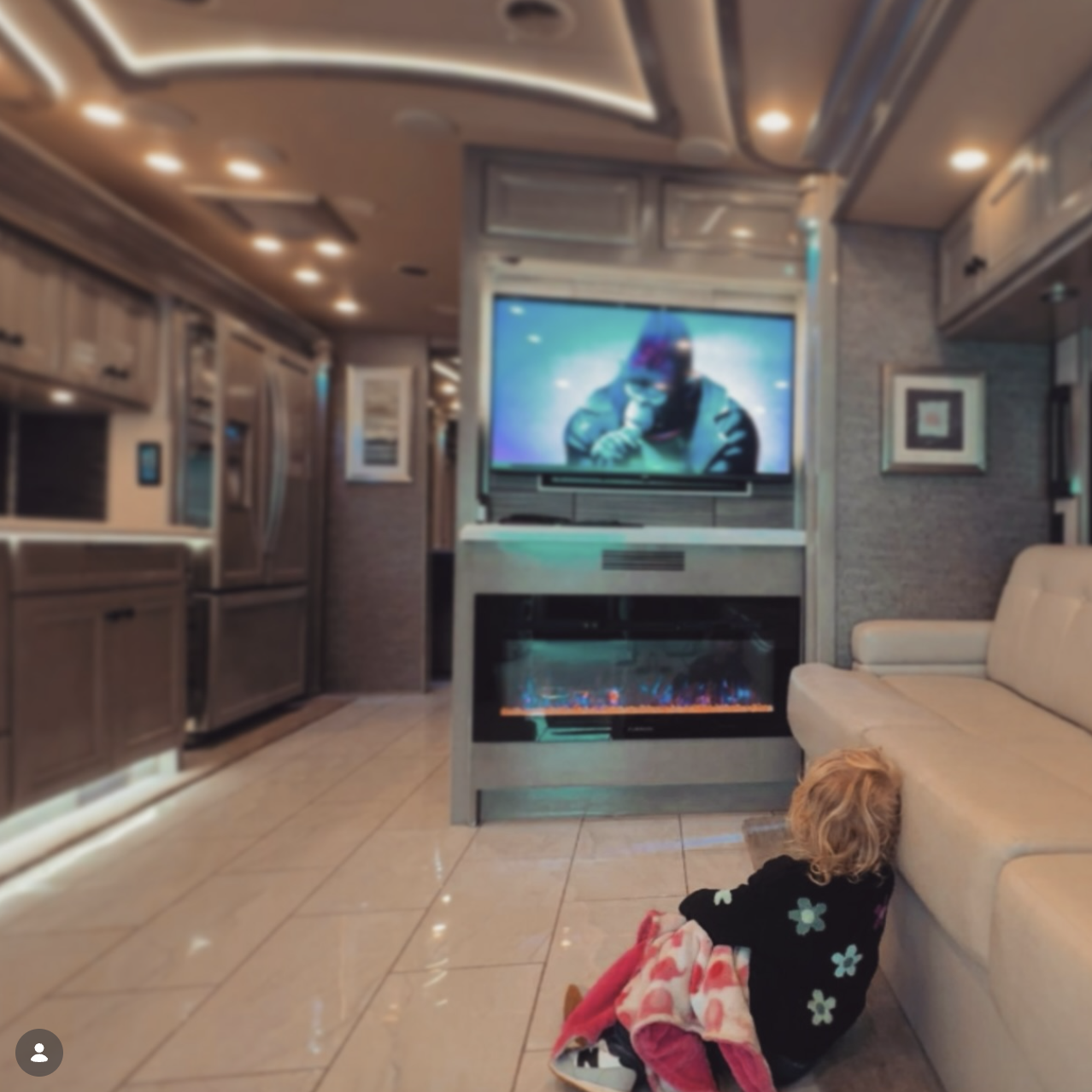
A lap table looks like a small detail until you use it every week. Homework, client preparation, a quick meal or a passenger's video call all ask something different of the same surface. Take your own laptop and charging cable to the viewing and give the table five focused minutes.
First, identify the exact table
The Ultimate Coach Executive page describes rear-facing business-class-style seating with lap tables for meetings and laptop use. That is a model-specific description, not a feature shared by every luxury van.
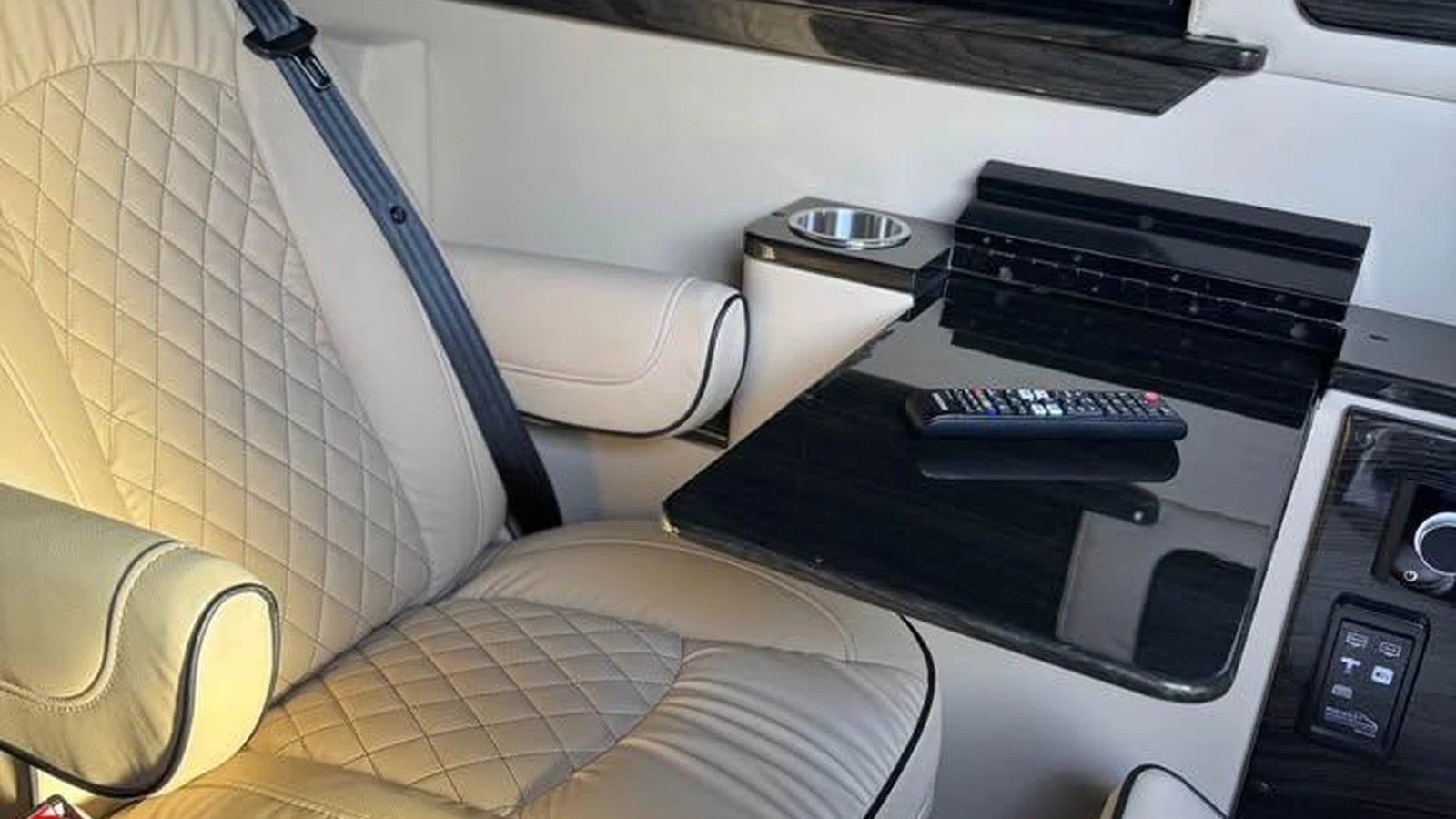
The Coach versus Executive comparison also describes a pedestal table with two bases in certain Ultra Luxe packages. A pedestal table is not automatically included because another example has one. Confirm the equipment, mounting hardware, model year and options on the exact van you are considering.
The five-minute parked test
Minute 1: deploy it yourself. Sit in the seat you would actually use, with the seatbelt comfortably positioned. Open or install the table using the seller's demonstration and the converter's instructions. Check that the latch, hinge or pedestal locks fully. A table that needs two people or a tool you cannot find is less useful for everyday travel.
Minute 2: check knees and reach. Place your laptop on the surface and type normally. Can you reach the keyboard without leaning forward? Is there room beneath the table for your legs? Check whether an armrest, cupholder or seat adjustment collides with it. Try the same position with the person who will use it most often.
Minute 3: test stability. With the van parked, apply gentle typing pressure at the center and near the edges. Look for wobble, loose joints or a latch that releases unexpectedly. Do not lean your body weight on the table or treat it as a handhold unless the manufacturer expressly permits that use.
Minute 4: connect power. Plug in your own charger at the intended outlet. Check whether the cable reaches without crossing the aisle or catching a seat mechanism. Confirm that the port actually charges your device. A USB socket on a spec sheet does not establish charging speed or laptop compatibility.
Minute 5: put everything away. Stow the table and cable, then walk through the cabin. Is the aisle clear? Does the table stay secured without scraping trim or rattling when gently checked? Ask where a removable pedestal and top belong so they do not become loose luggage.
Then try it as a passenger on the road
The parked test cannot tell you whether road motion makes the screen difficult to read or causes the table to vibrate. Arrange a separate, safe passenger road test with permission from the seller and consistent with the converter's instructions. Remain properly belted. Use the laptop briefly on an ordinary route and notice typing comfort, vibration and cable movement. Keep hot drinks and loose objects out of this test.
The 2025 Sprinter Operator's Manual warns that mobile communications equipment distracts the driver and instructs the driver to operate it only while stationary. That warning is not a blanket ban on passengers working. Check the Mercedes manuals hub for the correct chassis year and ask for the conversion instructions governing the table's use and stowage.
A simple buyer scorecard
| Check | Pass when | Record before deciding |
|---|---|---|
| Stability | Typing does not produce distracting wobble | Any loose hinge, base or latch |
| Comfort | Knees fit and shoulders stay relaxed | Who tested the actual seat |
| Power | Your device charges with a clear cable route | Outlet type and charger used |
| Access | Table and cupholder do not obstruct the aisle | Seat positions that conflict |
| Storage | Every part secures neatly | Missing clips, covers or hardware |
| Road usability | Passenger can read and type comfortably | Route, vibration and rattles |
Use pass, needs correction or not suitable for each row. There is no universal passing score: a family homework seat and a client-preparation seat may have different priorities. If an item needs correction, ask for the proposed remedy before deciding.
Buy for the tasks you repeat
For calls, consider reach to controls and whether the seating position feels comfortable. For meals, prioritize easy cleaning and sensible cup placement. For charging, use the devices you already own. A table that works beautifully for one passenger may be awkward for another.
A custom layout can make these repeated tasks more convenient, but tables, ports and hardware vary by build. For a used van, compare the table with the vehicle's build documents, not only an attractive brochure photograph.
Inventory photograph shows one van's table and seating arrangement, not equipment promised on every build.
Find your next van
View Vans for Sale to compare available layouts. Prefer a cabin built around your own routine? Build Your Custom Van.